AVIF Color Depth Explained: Why Conversions Look Different
November 28, 2026
AVIF Color Depth Explained Why Conversions Look Different…
# AVIF Color Depth Explained: Why Conversions Look Different
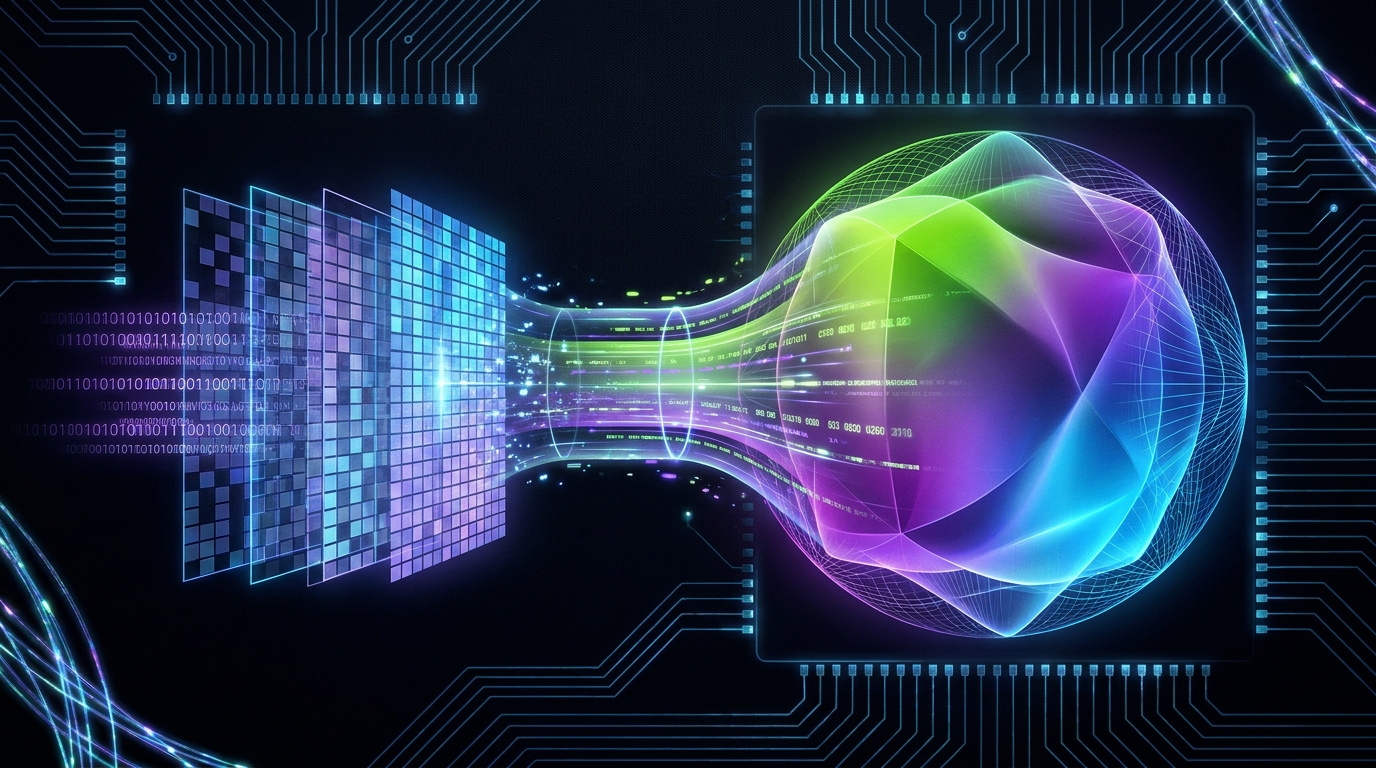
The gap between what you see and what you get during AVIF conversion isn't about the codec itself being flawed. Rather, it reflects how little standardization exists around color space handling in consumer-grade image tools. Professional workflows have color management pipelines—input profiles, working spaces, rendering intents, output profiles—but most free online converters skip several of these steps entirely, applying a one-size-fits-all approach that works reasonably well for sRGB web images but fails spectacularly for wide-gamut photographs or content destined for professional displays. Understanding what's happening under the hood empowers you to make conscious decisions about which AVIF color settings match your use case, whether you're optimizing for a website, preparing files for print production, or displaying images on modern HDR-capable monitors.
The most consequential distinction in AVIF color encoding is whether you're working in Standard Dynamic Range (SDR) or High Dynamic Range (HDR) color space. This choice determines not just file size, but the mathematical range of luminance values your image can represent. SDR, the traditional approach used for decades across web and consumer displays, caps the brightness range at a maximum of around 100-120 nits (the unit measuring light intensity). HDR, by contrast, can represent values from near-zero to 10,000 nits or beyond, capturing details in both the darkest shadows and brightest highlights that SDR simply cannot encode.
Here's where the conversion problem materializes: most online converters and even many professional tools default to SDR when encoding AVIF, regardless of your source image's color space. If you're converting from HEIC—which Apple's format uses wide-gamut color by default—you're taking a file capable of representing colors beyond the sRGB color space and compressing it into SDR's narrower gamut. The converter has to make a choice about which colors to sacrifice. This process, called gamut mapping, can either preserve luminance (keeping brightness relationships intact while desaturating colors) or preserve hue (keeping colors vibrant while altering perceived brightness). Most converters choose the former, which is why converted images often appear duller than the original.
The practical implication: if your source file contains extended color information—common in modern smartphones' camera outputs—you need a converter that explicitly supports HDR AVIF encoding or offers granular gamut mapping controls. The AV1 codec specification, which AVIF builds upon, fully supports both SDR and HDR workflows, but whether your conversion tool exposes these options is another question entirely. When you're working with professional photography or content destined for HDR displays, selecting an HDR-capable converter isn't optional—it's essential for maintaining color fidelity.
Bit depth measures how many distinct color values can be represented for each pixel. An 8-bit image can display 256 gradations per color channel (red, green, blue), yielding 16.7 million total colors. A 10-bit image jumps to 1,024 gradations per channel, creating over 1 billion color combinations. The difference seems academic until you encounter a subtle gradient or a sky with gentle color transitions—that's where bit depth reveals its importance.
8-bit encoding produces noticeably smaller files. A typical photograph compressed to 8-bit AVIF might be 40-60% smaller than its 10-bit equivalent, a significant advantage for web deployment where bandwidth and load times matter. The tradeoff: smooth color gradients become posterized, showing visible banding as the reduced color palette struggles to represent transitions smoothly. This effect is most visible in skies, skin tones, and other areas with gradual color changes. Photography and content rich in gradients demands 10-bit encoding to avoid visible quality degradation.
The confusion compounds because source images often contain 8-bit data, so many converters assume 8-bit output is "enough." But the reverse conversion—taking an already 8-bit image and re-quantizing it during AVIF encoding—introduces additional rounding errors, compounding color degradation. Meanwhile, modern smartphones and professional cameras increasingly capture 10-bit or even 12-bit raw data, which 8-bit AVIF encoding will inevitably compress with information loss. For web images where file size is paramount and viewers are using standard displays, 8-bit AVIF makes sense. For archival, professional display, or content featuring subtle color gradations, 10-bit is non-negotiable.
Color primaries define which physical colors a color space can represent—essentially the outer boundary of the gamut. The sRGB color space, designed decades ago for CRT monitors, uses one set of primaries. Modern wide-gamut spaces like Display P3 and Rec.2020 use wider primaries that encompass more of the visible color spectrum. HEIC files from Apple devices often embed Display P3 color information, giving them access to a broader palette than sRGB can express.
When converting HEIC to AVIF without explicit color space configuration, many converters assume sRGB as the target, treating any colors outside sRGB's gamut as errors to be clipped. A saturated magenta that fits comfortably in Display P3 gets truncated to sRGB's maximum magenta, losing the subtle distinctions that made it appear natural. The result feels oversaturated in some channels and undersaturated in others—the colors are still there, but their relationships are distorted.
Preserving saturation during HEIC-to-AVIF conversion requires either retaining the source's wide-gamut color space in the AVIF output or performing intelligent gamut mapping that understands how to translate colors from the wider source gamut into the target space. LibAVIF, the reference implementation, supports multiple color primary configurations, but consumer tools rarely expose these controls. When available, selecting an output color space that matches your source (Display P3-to-Display P3, for instance) preserves the most color information, though it assumes your destination displays can render that gamut.
The most frequent conversion error is proceeding without knowledge of your source file's color profile. Before converting, use a color management tool or even your operating system's file inspector to identify the embedded color space. Mac users can open images in Preview and check the "Color" section of the Inspector. Windows users can examine EXIF data using tools like ExifTool to verify color space and bit depth information. This baseline matters enormously—you can't intelligently choose conversion settings without understanding what you're starting with.
After conversion, audit the output by opening both original and converted images side-by-side in a color-managed viewer. The free image editor GIMP displays color space and bit depth information and applies color management during display. If the converted image appears noticeably duller, you likely encountered SDR gamut mapping. If you see visible banding in gradients, 8-bit encoding is to blame. If colors feel shifted—the blues too cyan, the reds too orange—the converter either applied an incompatible color profile or failed to preserve the source's primaries.
Different use cases demand different conversion strategies. For web content viewed on standard sRGB displays by a general audience, 8-bit SDR AVIF targeting sRGB primaries is perfectly appropriate and offers excellent file size efficiency. For professional photography, print preparation, or display on wide-gamut monitors, preserve the source's color space, use 10-bit encoding, and opt for HDR if the source material contains extended dynamic range. When converting from HEIC specifically, verify whether your converter offers wide-gamut output options—if it doesn't, consider whether that tool is suitable for your quality requirements. The technical choices behind AVIF conversion aren't invisible; they're just hidden in settings menus and default configurations that rarely surface to users until the results disappoint.

November 28, 2026
AVIF Color Depth Explained Why Conversions Look Different…

November 27, 2026
Anthropic Begins Paying Authors for AI Training Data…

November 26, 2026
Etsy's AI Training Policy Sparks Creator Backlash…